Choosing a codec
A codec determines how video data is compressed as it is written to the drive. Choosing one always involves a trade-off: some codecs preserve more detail but produce very large files, while others create smaller files at the expense of some image information.
Apple ProRes 422 HQ is a common choice for high-value capture. The quality is excellent, but the files are large, and a full day of 4K60 recording can require multiple backup drives and lengthy transfer times.
As Josh Marland of Fire Without Smoke explains: “Transfer times can be a little bit difficult to manage sometimes, but it just means you’re more precise with your shots, make them shorter.”
For fast-turnaround work, many artists now capture in software using modern codecs such as AV1. The visible difference may be relatively small once the footage is in motion, but, like H.264, this more economical solution is less suitable for footage that will undergo extensive post-production. It is better suited to social media clips that require only simple trimming.
The general rule is straightforward: color-critical or archival footage can justify larger files, while fast-turnaround social content often does not.
Where color accuracy matters, it matters a great deal. Numbers such as 4:2:2 and 4:4:4 describe the amount of color information retained in the image. Video compression commonly discards some of this information because the human eye notices fine luminance detail more readily than fine color detail. A 4:4:4 signal retains full chroma resolution, while 4:2:2 reduces the horizontal chroma resolution by half.
The difference may be difficult to see in an individual clip, but it can become apparent further along the production pipeline. Licensed titles, particularly motorsport games, often feature brand colors with exact Pantone references. In a 4:2:2 workflow, a specific red, for example, may begin to shift after several processing stages. Moving to 4:4:4 helps preserve that color information. If a client can point to a color and say, “that one,” chroma subsampling becomes a genuine concern.
Work backward from the final use. If the footage will be graded or composited—color-corrected or combined with visual effects—capture with enough headroom for post-production. If it is going directly online, a lighter codec may be sufficient.
Why shots from different sources don’t match
A trailer assembled using different capture paths may show visible differences once the shots are placed side by side. Something that looks fine in isolation can feel inconsistent when edited alongside other material.
The same applies when cinematic renders are supplied as image sequences and combined with gameplay footage. If consistency matters, use one capture path wherever possible and check the recorder’s image settings against a known reference at the start of the project.
Most of the time, it’s a monitor
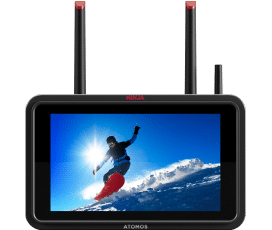
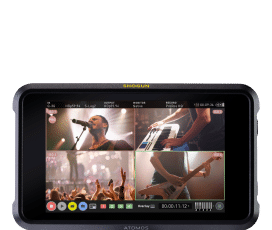
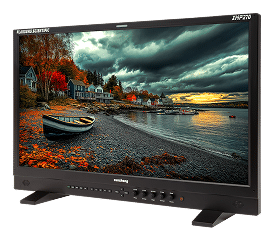
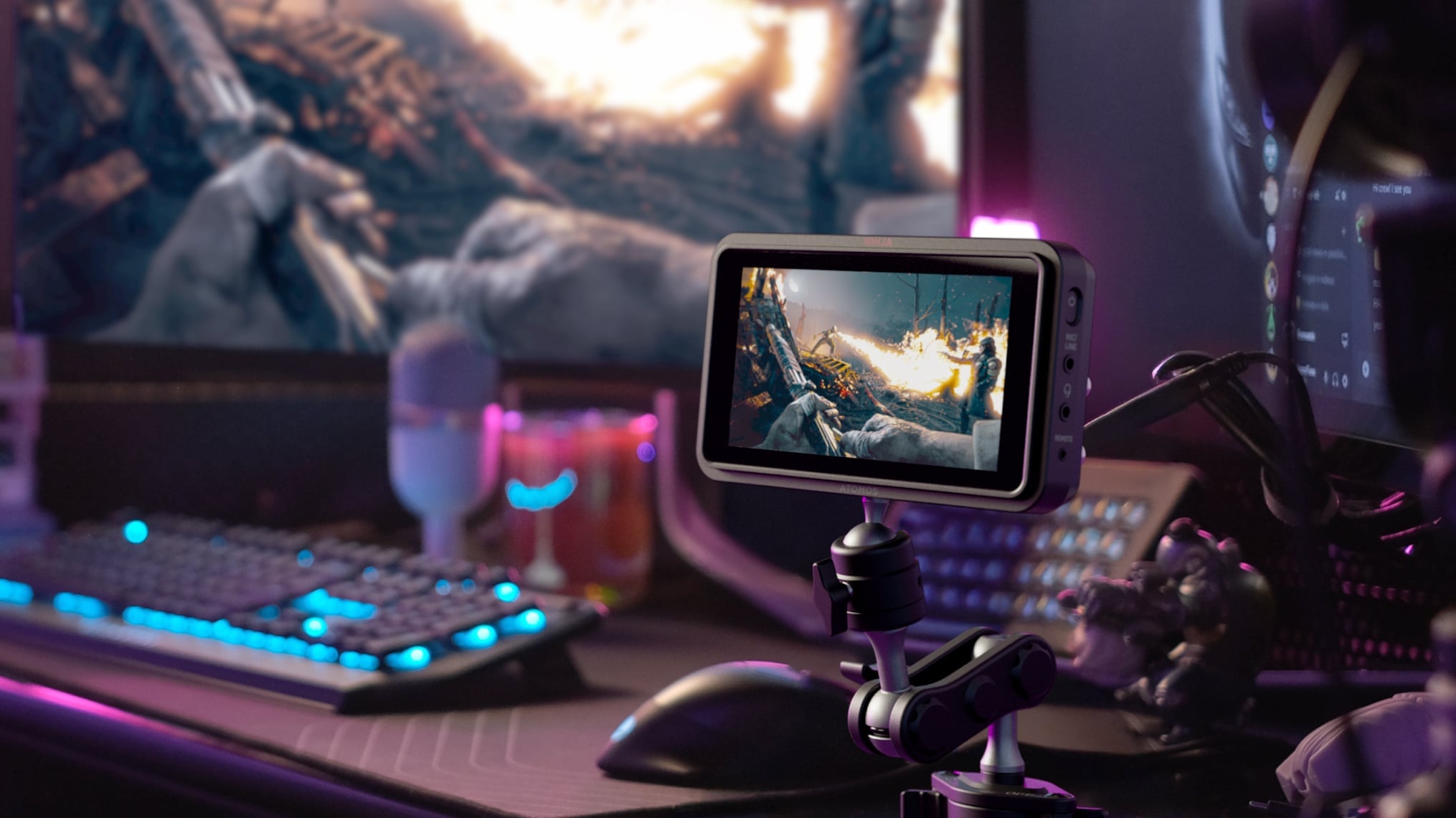
One of the biggest advantages of using the Ninja is the screen itself. A monitor-recorder may spend more time acting as a monitor than it does recording.
Capture artists judge framing, motion and exposure on a screen while operating an in-game camera with a thumbstick, often for hours at a time.
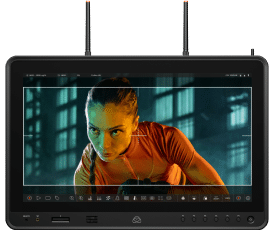
The Ninja’s bright, color-accurate display makes those decisions easier and reduces the chance of surprises later in the edit. Recording becomes almost a byproduct of having a reliable image to work from. Many studios choose a Sumo – essentially a 19-inch version of the Ninja – when viewing image quality is critical.
What happens after the take
The workflow advantage becomes clear at the end of a take. You can remove the drive—or the CFexpress card with later generations of Ninja—begin the offload and continue shooting with a second one.
Because the footage is written directly to removable media, transferring it to another system is simply a matter of removing the drive or card and connecting it to the destination machine. There is no need to transfer the material across a network to storage attached to the editing PC. The encoding load also never touches the PC already occupied with running the game.
A simple two-drive or two-card rotation can keep the session moving.
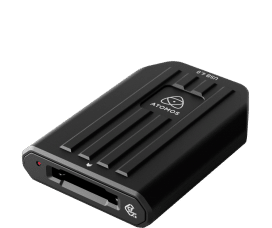
Atomos has developed a USB4 CFexpress card reader capable of transferring data at up to 40Gbps, enabling rapid media offloads.
Many capture artists would prefer to record directly to shared storage or a server. They often describe an ideal workflow in which proxies—small, easy-to-edit versions of the original files—are generated automatically and delivered somewhere editors can access them. For now, that remains a wish-list item rather than a capability offered by the workflows discussed here.
Keep voice chat off your recording
Multiplayer sessions often involve several people talking while the game is being recorded and keeping that conversation out of the capture can be difficult.
With the Ninja, game audio can remain separate from headset or speaker audio, making it easier to record clean gameplay while continuing to communicate with the team.
As Marland explains: “I frequently capture when I have music on. Doesn’t affect anything, because it’s a different audio source.”
It is a small detail that quietly removes a recurring problem.
With thanks to the capture artists who took part in the Bins and Bytes roundtable discussion on advanced gameplay capture techniques, hosted by Philip Roberts. The podcast can be watched here: Advanced Techniques for Video Gameplay Capture.