




1 December 2025

Shooting with Ninja TX GO & Fujifilm X-H2S

Photographer turned filmmaker Jim Marks shares why the new, budget-friendly Ninja TX GO is the perfect partner for his Fujifilm X-H2S.

By Atomos

If you’re a filmmaker, content creator, or even just someone who likes pressing the red record button and capturing awesome footage, chances are that you’ve heard of, or potentially encountered the Fujifilm X-H2S. As this brand’s most powerful APSC hybrid body, it comes with a super-fast sub-ten-second sensor read out, is versatile and capable of producing gorgeous images with the FLOG2 C log space.

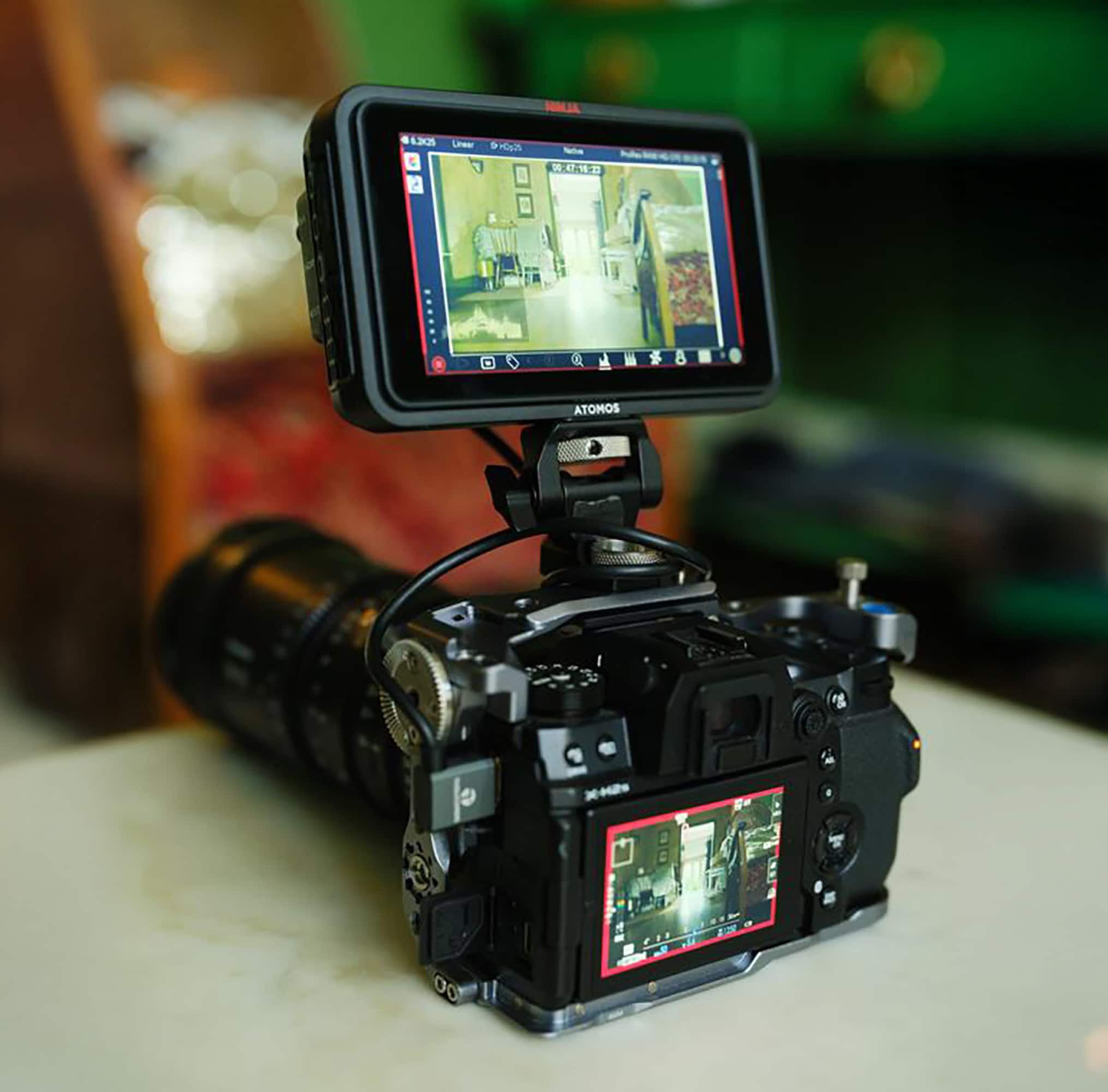
But here’s the kicker: great performer that the X-H2S is on its own, pair it with the new Atomos Ninja TX GO recorder – a slightly scaled back and even more affordable HDMI version of the formidable Ninja TX launched by Atomos back in late summer – and suddenly you’re not limited to internal ProRes, you have the option of a true 12-bit RAW codec. That’s because this dynamic pairing opens the door to ProRes RAW recording, one of the most cherished of all codecs, and one that basically gives me way more control, flexibility and quality in my video footage.

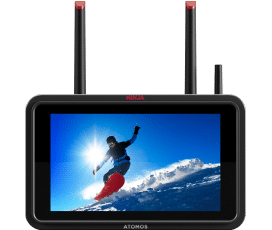
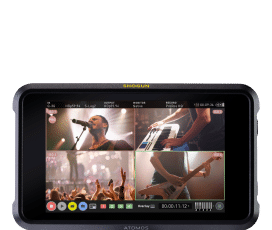
So, what exactly is the Atomos Ninja TX GO offering? Well, imagine your camera had a supercharged backpack – one that not only helps it carry more gear but also unlocks a secret mode that your camera alone can’t access. That’s what the Ninja TX GO does. It’s a 5-inch, high-brightness monitor which now benefits from some serious upgrades from its predecessors.

The GO connects to your camera – for me the X-H2S, but many other models are compatible – via HDMI and acts as an external recorder, saving your video onto fast external media.

And here’s the best part: it enables your camera to output ProRes RAW, something it can’t record internally. My trusty X-H2S might be able to record high resolution codecs, but to capture that RAW sensor data in its full, glorious quality, I need something like the Ninja TX GO as the enabler in the mix.
Caring about codecs

So, let’s take a closer look at ProRes RAW: what exactly does it offer, and why should creatives such as me care? Basically, RAW footage is video that hasn’t yet been processed. It’s like a RAW photo. It has all the original sensor data intact, giving you maximum flexibility in post-production. This means that you can change the white balance, recover shadows, bring back blown highlights and push your colour grade, all the while avoiding image degradation.

ProRes RAW is Apple’s version of this format, combining the flexibility of RAW with the performance of their ultra-efficient ProRes codec. The result is footage that’s easier to edit and still incredibly high quality. If you’ve ever been frustrated by footage that falls apart when you try to stretch it, or want to add a strong grade to your projects, then ProRes RAW is a valuable tool. To add to its flexibility, you can now import ProRes RAW into DaVinci Resolve, as well as previous NLEs like FCPX, making it a true open platform raw standard.

My Fujifilm X-H2S is already a powerhouse, with a stacked 26.1MP APS-C sensor, super-fast readout and the ability to record beautiful 4K and even 6.2K opengate footage internally. But – and it’s a big but – internal recording has its limits. Even with a powerful sensor such as this, the internal codec has to compress the footage to keep things manageable for your SD card and camera processor. When you connect the Ninja TX GO, however, the X-H2S is gifted the ability to bypass these limitations and to send uncompressed RAW video over HDMI straight to the recorder. That means no quality loss from internal compression, and full access to the image data your camera worked so hard to capture.

Easy pairing

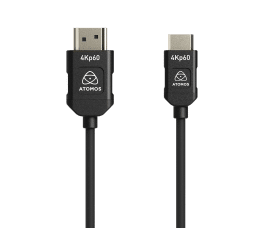
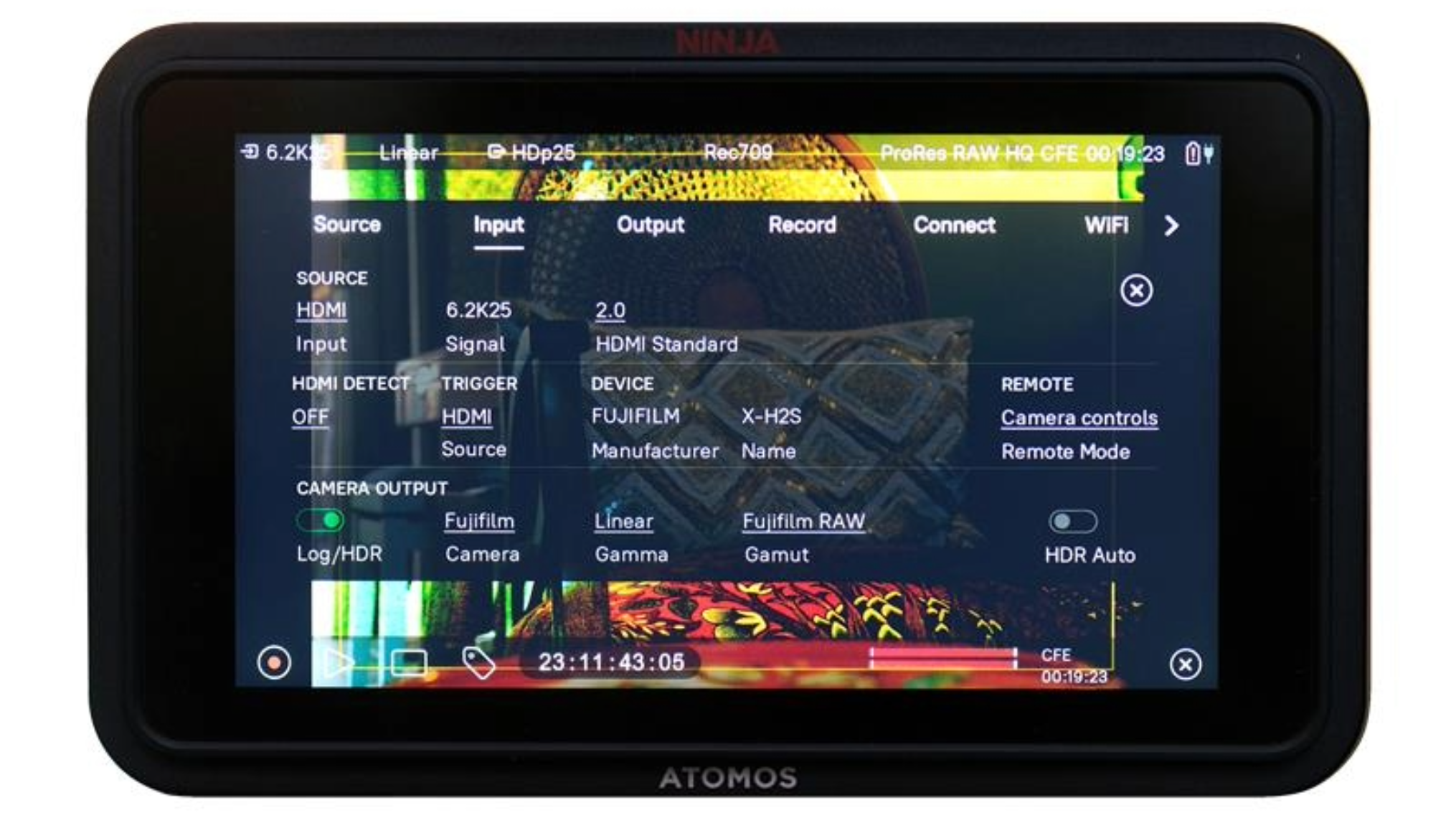
Pairing your camera with this latest Atomos monitor is surprisingly straightforward. You plug the HDMI cable from the X-H2S into the Ninja TX GO, make sure your firmware is updated on both devices (a quick download and install job), and then tell the camera to output RAW over HDMI. The Ninja TX picks up the signal, and you’re ready to record ProRes RAW. You can also set the monitor up to accept the record flag on the feed, so when you press record on the camera it triggers the recorder start stop.

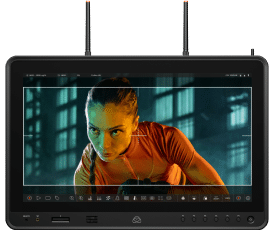
The Ninja TX GO isn’t just a recorder, either. It’s also an excellent monitor and streaming device, with a bright 1500-nit display that lets you actually see what you’re shooting even in bright sunlight. It includes professional tools such as waveforms, focus peaking and LUT support with anamorphic desqueeze.

I’m also able to engage frame guides and have image pass thru to push the image out to a transmitter or another monitor down the chain. This gives me a ton of utility when I’m working in fast-paced filming situations or outdoors. It means I can trust what I’m seeing, and I’m capturing footage that has proper latitude in post.

Of course, with greater power comes some responsibility. ProRes RAW files are larger than your typical H.264 or H.265 compressed videos, so l’ve found the need for fast storage and a reasonably powerful computer to handle the files smoothly.

You’ll also need to invest in a CFexpress Type B card or a fast SSD for the Ninja TX GO, to keep up with the high data rates. But for me the benefits far outweigh the challenges, especially when I’m working on narrative films, documentaries, commercials or music videos, where image quality really matters.

“The Ninja TX GO transforms my compact hybrid camera into a powerhouse filmmaking setup.”

Big league image quality

What I’ve found really exciting about this combo is that it brings high-end workflows to a more accessible level. With the Fujifilm X-H2S and the Atomos Ninja TX GO pairing l’ve got a compact, relatively affordable set-up that delivers results on a par with much more expensive systems. It’s a sound option for indie filmmakers, YouTubers and even pros who need a lightweight rig with big-league image quality.

So, should you go out and grab a Ninja TX GO to partner your hybrid mirrorless camera? If you’re serious about getting the best possible image quality, the answer is a loud and enthusiastic yes. You’ll unlock the full power of your camera’s sensor, gain a top-tier monitoring solution, with guides and exposure tools, and you’ll future-proof your footage with RAW recording that’s ready for any grading session you throw at it.

Priced at £599, USD $799 and EUR €799, the Ninja TX GO is affordable enough to add to your repertoire without breaking the bank and, paired with a top-quality video-enabled camera, it will give you a combo that delivers choice and creative freedom. It’s about knowing that, when you hit record, you’re capturing your vision in the highest quality possible. Which is why this new Ix recorder, in both HDMI and SDI versions, is opening up such exciting possibilities for filmmakers.

This article originally appeared in Professional Photo magazine.

Learn more about Ninja TX GO

➞ SHOP Ninja TX GO here

Keep Exploring

Press Release

Atomos Launches Ninja TX GO

Case Study

Navigating high seas and stories with Ninja TX

Case Study

How Atomos delivers Hollywood in real time

Join the Atomos Community!

Sign up to get the latest Atomos news, filmmaking tips, firmware updates, and early access to new products and cloud tools.

You can unsubscribe at any time. See our Privacy Policy

Atomos shop is now available in Australia, EU, UK & USA.
Free Shipping for orders over $70!

For a reseller in your area, see here

Select your country